
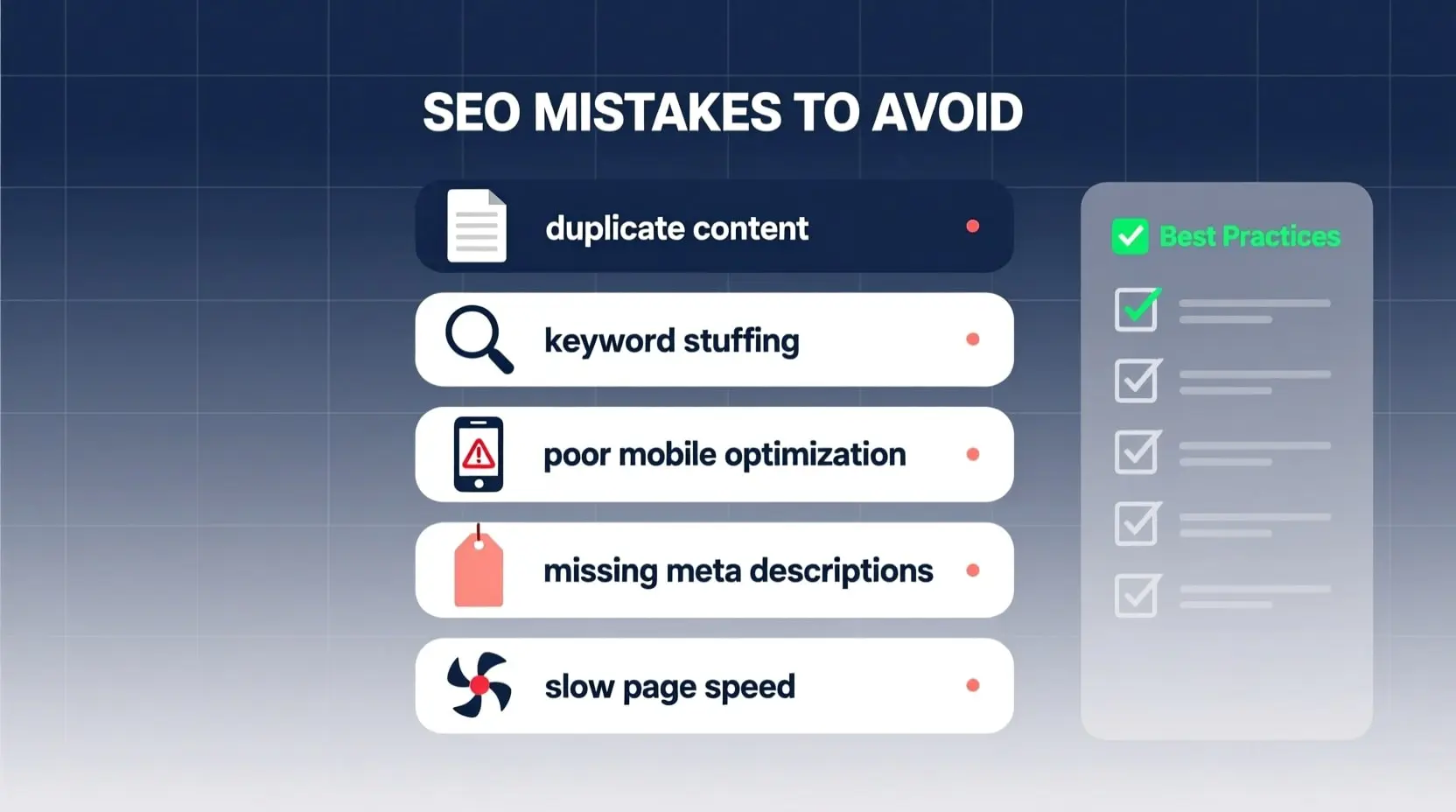
What Technical SEO Mistakes to Avoid on Your Website
In the ever-evolving world of digital marketing, ensuring your website performs well in search engine rankings is crucial for driving traffic and achieving business goals. One of the key areas where many site owners falter is technical SEO, which involves the behind-the-scenes elements that help search engines crawl, index, and understand your content. By identifying and rectifying common SEO mistakes to avoid, you can significantly improve your site’s visibility and user experience. This article delves into the most critical technical pitfalls, offering practical advice to help you steer clear of them and optimize your online presence effectively.
Technical SEO forms the foundation of a successful website strategy. Without a solid technical base, even the best content and keywords won’t yield the desired results. From site speed to crawlability, these elements ensure that search engines like Google can efficiently access and rank your pages. Ignoring them can lead to penalties, reduced rankings, or even complete invisibility in search results. As an experienced SEO content writer, I’ve seen countless sites recover dramatically by addressing these issues early on.
Ignoring Site Speed Optimization
Site speed is a ranking factor that directly impacts user satisfaction and bounce rates. A common mistake is overlooking the need to compress images, minify CSS and JavaScript files, or leverage browser caching. When pages load slowly, visitors leave quickly, signaling to search engines that your content isn’t valuable. Tools like Google’s PageSpeed Insights can help diagnose issues, recommending fixes such as enabling compression or reducing server response times. Additionally, using a content delivery network (CDN) can distribute your site’s assets globally, ensuring faster load times for international users. Remember, even a one-second delay can reduce conversions by 7%, according to various studies. Prioritizing speed not only boosts SEO but also enhances overall engagement.
Another aspect of speed involves bloated code and unnecessary plugins, especially on platforms like WordPress. Overloading your site with plugins that aren’t essential can create conflicts and slow down performance. Regularly auditing and removing redundant ones, while opting for lightweight alternatives, is essential. Implementing lazy loading for images ensures that only visible content loads initially, further improving perceived speed. By focusing on these optimizations, you create a smoother experience that encourages longer dwell times and better rankings.
Neglecting Mobile Responsiveness
With mobile searches surpassing desktop, failing to make your site mobile-friendly is a grave error. Google’s mobile-first indexing means it primarily uses the mobile version of your content for ranking. If your site isn’t responsive, using fixed-width elements or non-scalable fonts, it could lead to poor user experiences and lower rankings. Testing with Google’s Mobile-Friendly Test tool reveals issues like text too small to read or clickable elements too close together. Adopting a responsive design framework, such as Bootstrap, ensures your layout adapts seamlessly to different screen sizes.
Beyond basic responsiveness, consider touch-friendly navigation and accelerated mobile pages (AMP). AMP strips down HTML to create lightning-fast versions of your pages, ideal for news and blog content. However, implementing AMP incorrectly, like duplicating content without proper canonical tags, can cause SEO issues. Always validate your mobile setup to avoid penalties and capitalize on the growing mobile audience.
Overlooking Duplicate Content Issues
Duplicate content confuses search engines, diluting your site’s authority. This often occurs from URL variations, such as www vs. non-www, HTTP vs. HTTPS, or trailing slashes in URLs. Without proper redirects or canonical tags, search engines might index multiple versions of the same page, splitting link equity. Using tools like Screaming Frog to crawl your site can identify these duplicates, allowing you to implement 301 redirects or rel=canonical attributes to consolidate signals.
Session IDs, printer-friendly versions, or paginated content without proper handling can also create duplicates. For e-commerce sites, product pages with similar descriptions across variants exacerbate this. Crafting unique meta descriptions and titles for each page, while using robots.txt to block unnecessary indexing, helps maintain content integrity. Addressing duplicates not only prevents penalties but also strengthens your domain’s overall SEO profile.
Failing to Implement Proper URL Structures
URLs should be clean, descriptive, and keyword-rich to aid both users and search engines. A mistake many make is using dynamic URLs with parameters like “?id=123,” which are hard to read and less likely to rank well. Instead, opt for static, human-readable URLs like /blog/technical-seo-tips. This improves click-through rates in search results and makes sharing easier.
Hyphens separate words better than underscores, and keeping URLs short—under 100 characters—enhances usability. Avoid keyword stuffing, as it can appear spammy. Consistent categorization, like /category/subcategory/page, helps with site architecture. Regularly reviewing and updating old URLs with redirects prevents 404 errors, preserving link juice.
SEO Mistakes to Avoid in Crawlability and Indexing
Crawlability issues arise when search engines can’t access your pages due to misconfigured robots.txt files or noindex tags. Blocking important directories accidentally prevents indexing, leaving valuable content hidden. Always test your robots.txt with Google’s Robots Testing Tool to ensure it allows crawling of essential paths while disallowing sensitive areas like admin panels.
Missing or outdated XML sitemaps is another pitfall. Sitemaps guide search engines to your pages, especially for large sites. Submitting an updated sitemap via Google Search Console accelerates indexing. Additionally, excessive use of JavaScript without proper rendering can hinder crawling, as not all bots handle JS well. Ensuring server-side rendering or using pre-rendering services mitigates this.
Not Securing Your Site with HTTPS
In today’s security-conscious web, running on HTTP instead of HTTPS is a major oversight. Google favors secure sites, and browsers warn users about insecure connections, deterring visits. Migrating to HTTPS involves obtaining an SSL certificate, updating internal links, and setting up 301 redirects from HTTP to HTTPS. This not only boosts trust but also enables features like HTTP/2 for faster performance.
Mixed content warnings occur when HTTPS pages load HTTP resources, breaking the secure padlock. Auditing and updating all assets to HTTPS resolves this. For e-commerce, HTTPS is non-negotiable to protect user data and comply with regulations.
Underutilizing Structured Data and Schema Markup
Schema markup helps search engines understand your content, enabling rich snippets like star ratings or event details in results. Omitting it means missing out on enhanced visibility. Using the JSON-LD format, you can add markup for articles, products, or FAQs directly in your code. Tools like Google’s Structured Data Testing Tool validate implementations.
Common errors include incorrect schema types or missing required properties, leading to errors in Search Console. Starting with basic schemas like Organization or BreadcrumbList can yield quick wins. As your site grows, advanced schemas for videos or recipes further differentiate you.
Ignoring Broken Links and Redirect Chains
Broken links frustrate users and waste crawl budgets. Regularly scanning with tools like Ahrefs or SEMrush identifies 404s, allowing fixes or redirects. Long redirect chains, where multiple hops occur before reaching the final page, slow down loading and dilute authority. Limiting chains to one or two redirects optimizes efficiency.
Internal linking strategies should avoid nofollow on important pages, ensuring equitable link flow. Monitoring for orphaned pages—those without internal links—prevents them from being overlooked by crawlers.
Poor Handling of International and Multilingual SEO
For global sites, neglecting hreflang tags leads to incorrect language versions showing in search results. These tags signal to Google which version to serve based on user location and language. Implementing them correctly, along with geotargeting in Search Console, enhances relevance.
Currency and content localization without proper tags can confuse engines. Using subdomains or subdirectories for different regions, with consistent hreflang, streamlines international efforts.
As we wrap up, it’s clear that technical SEO requires ongoing vigilance to maintain peak performance. By steering clear of these pitfalls, you position your website for sustained success in search rankings. Remember, the SEO mistakes to avoid discussed here are foundational; addressing them proactively can lead to measurable improvements in traffic and conversions. Consult with SEO experts or use comprehensive audits to stay ahead, ensuring your site remains competitive in the digital landscape.