
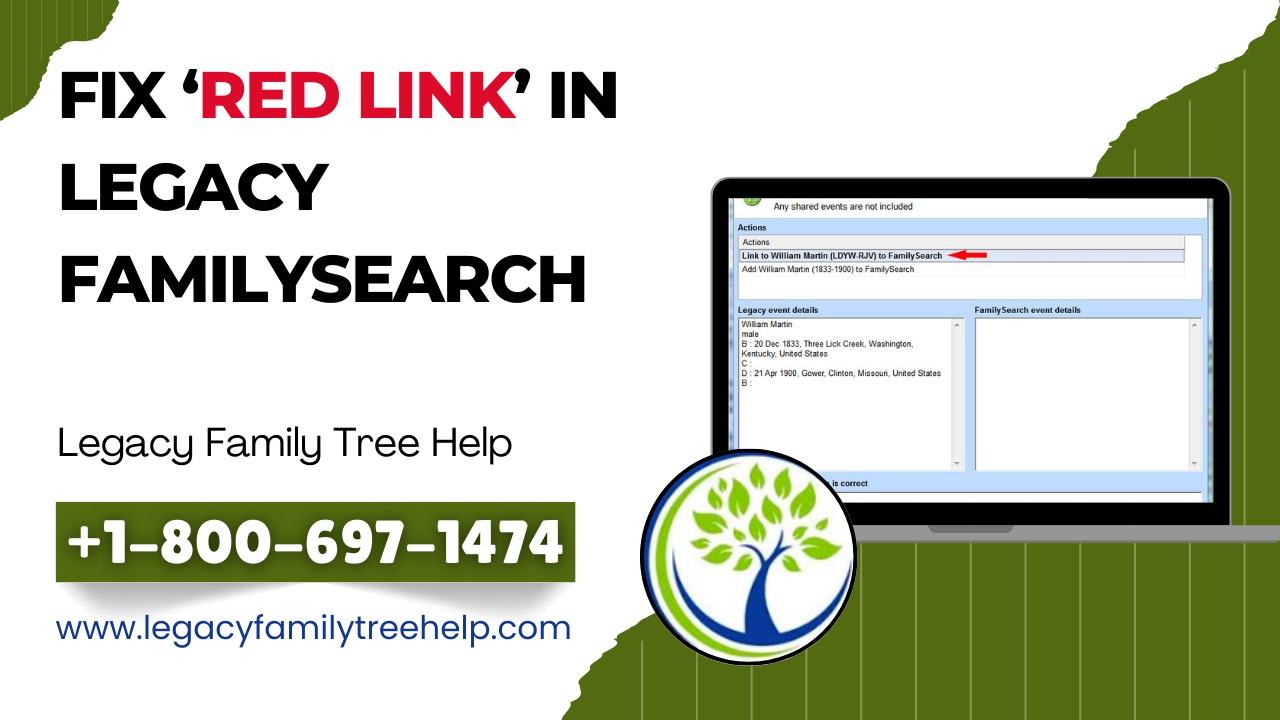
How to Fix the Red Link in Legacy FamilySearch (Easy Step-by-Step Guide)
If you use Legacy Family Tree with FamilySearch integration, you may notice a red link in Legacy FamilySearch next to a person’s name. This red indicator can be confusing, especially for beginners, but it’s actually a helpful alert. It simply means there is a connection issue between your Legacy file and FamilySearch. The good news? It’s easy to fix.
What Does the Red Link in Legacy FamilySearch Mean?
The red link appears when a person in your Legacy Family Tree is not properly matched or no longer linked to a corresponding individual on FamilySearch. This can happen if:
-
The FamilySearch ID was removed or changed
-
The person was merged or deleted on FamilySearch
-
The link was never confirmed correctly
Legacy uses color-coded links to show connection status, and red means attention is needed.
Step-by-Step: How to Fix the Red Link in Legacy FamilySearch
Step 1: Select the Person with the Red Link
Open your Legacy family file and click on the individual showing the red FamilySearch icon.
Step 2: Open FamilySearch Tools
Go to Search > FamilySearch or click the FamilySearch icon on the person’s profile to open the FamilySearch tools.
Step 3: Review the Existing Link
Legacy will display the current FamilySearch ID (if available). If the ID is invalid or broken, you’ll need to reconnect.
Step 4: Find the Correct Match
Use the Search FamilySearch option to locate the correct person using name, birth date, and family relationships.
Step 5: Reconnect or Replace the Link
Once you confirm the correct individual on FamilySearch, link them to your Legacy person. The red link should now turn green, confirming a successful connection.
Tips to Prevent Red Links in the Future
-
Always confirm matches carefully before linking
-
Sync changes regularly with FamilySearch
-
Avoid duplicate entries in your Legacy file
-
Recheck links after FamilySearch merges
Why Fixing Red Links Matters
Fixing the red link in Legacy FamilySearch ensures accurate syncing, prevents duplicate records, and keeps your family history research clean and reliable. Proper links also make collaboration with other researchers much easier.
Conclusion
A red link in Legacy FamilySearch is not an error; it’s a reminder. By following these simple steps, you can quickly reconnect your data, maintain accuracy, and continue building a reliable family tree. Keeping your links updated helps preserve your research for future generations.