
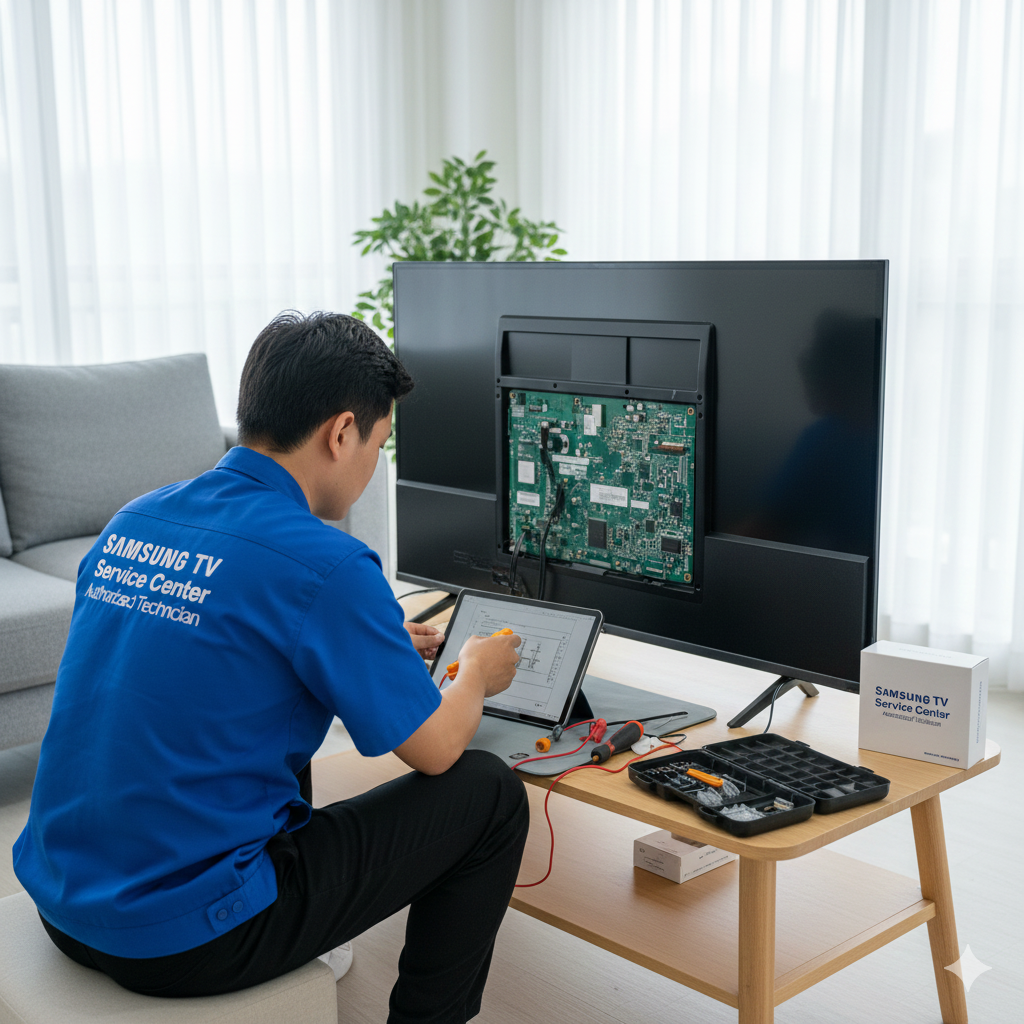
Can Software and Firmware Issues Be Fixed at a Samsung TV Service Center?
Introduction
In today’s digital age, modern Samsung TVs rely heavily on software and firmware to deliver a seamless viewing experience. When glitches, freezes, or connectivity issues occur, it’s often due to outdated or corrupted software. Visiting a professional Samsung TV Service Center ensures these problems are accurately diagnosed and fixed, restoring your television to its optimal performance.
Understanding Software and Firmware in Samsung TVs
Software refers to the operating system and applications running on your TV, while firmware is the embedded code that controls hardware functionality. Both are critical for features like:
-
Smart TV apps and streaming services
-
HDMI and external device integration
-
Picture and sound settings
-
Connectivity, including Wi-Fi and Bluetooth
Problems with either can cause your TV to freeze, crash, or display errors, affecting the overall viewing experience.
Common Software and Firmware Issues
Some frequent problems include:
1. System Freezes or Lags
When the TV interface becomes slow or unresponsive, it usually indicates software conflicts or corrupted files.
2. App Crashes
Streaming apps such as Netflix or YouTube may stop working or fail to load due to outdated firmware or app incompatibilities.
3. Connectivity Problems
Wi-Fi disconnections, failed device pairing, or poor network performance can result from firmware issues.
4. Display or Audio Errors
Unexpected black screens, flickering, or audio-video sync problems may be traced back to software glitches.
5. Update Failures
Attempting software updates that fail to install properly can corrupt your system, requiring professional intervention.
Benefits of Getting Software Issues Fixed at a Samsung TV Service Center
Professional service centers provide advantages that DIY fixes often cannot:
-
Accurate Diagnostics: Technicians identify whether the issue is software-related or due to hardware.
-
Firmware Updates: They safely update or reinstall firmware to the latest version.
-
App Optimization: Technicians can reset or reinstall problematic apps.
-
Preservation of Warranty: Authorized service ensures your TV warranty remains valid.
-
Preventive Advice: Professionals provide guidance to avoid future software issues.
Samsung TV Service Center in Thane
The Samsung TV Service Center in Thane specializes in resolving software and firmware problems. Technicians perform thorough diagnostics, update firmware, and fix connectivity or app-related issues, ensuring your Samsung TV operates smoothly and efficiently.
Samsung TV Service Center in Mumbai
At the Samsung TV Service Center in Mumbai, certified experts provide comprehensive services, including software troubleshooting, firmware upgrades, and device optimization. Customers also receive professional guidance on preventing future system issues.
Samsung TV Service Center in Bengaluru
The Samsung TV Service Center in Bengaluru offers advanced solutions for complex software glitches. From system crashes to streaming app errors, technicians handle all firmware-related concerns while maintaining the integrity of your TV’s hardware.
Preventive Measures to Avoid Software Issues
Even with professional service, following these steps can help minimize future problems:
1. Regular Updates: Ensure your TV’s firmware and apps are up-to-date.
2. Stable Internet Connection: Avoid interruptions during software updates.
3. Clear Cache: Periodically clear app and system cache to improve performance.
4. Avoid Unauthorized Apps: Only download apps from official sources.
5. Professional Maintenance: Schedule periodic checkups at authorized service centers like Dial Service Centre for preventive care.
When to Visit a Service Center
You should consult a Samsung TV Service Center if you notice:
-
Persistent system crashes or freezes
-
Repeated app errors or failures
-
Wi-Fi connectivity issues despite a stable network
-
Failed firmware updates or error messages
-
Unusual display or audio behavior
Conclusion
Software and firmware issues can significantly affect your Samsung TV experience, but professional repair at a certified Samsung TV Service Center resolves these problems efficiently. Centers in Thane, Mumbai, and Bengaluru provide reliable diagnostics, firmware updates, app optimization, and preventive guidance. Regular maintenance, software updates, and proper usage habits further extend the lifespan of your TV while minimizing future repair needs.
Frequently Asked Questions
1. Can I update my Samsung TV software myself?
Yes, updates can be done via Settings, but complex or failed updates require professional assistance.
2. How long does a firmware repair take?
Repairs or updates typically take 1–3 hours depending on the complexity.
3. Will using a service center void my warranty?
Authorized Samsung service centers, including Dial Service Centre, preserve your warranty.
4. Can software issues affect TV hardware?
Severe glitches may indirectly strain components, but professional repair prevents hardware damage.
5. How often should I update my TV firmware?
It’s recommended to check for updates monthly or when notified by your TV.
Read Our Previous Blog —————> What if my VU TV has sound but no picture?