


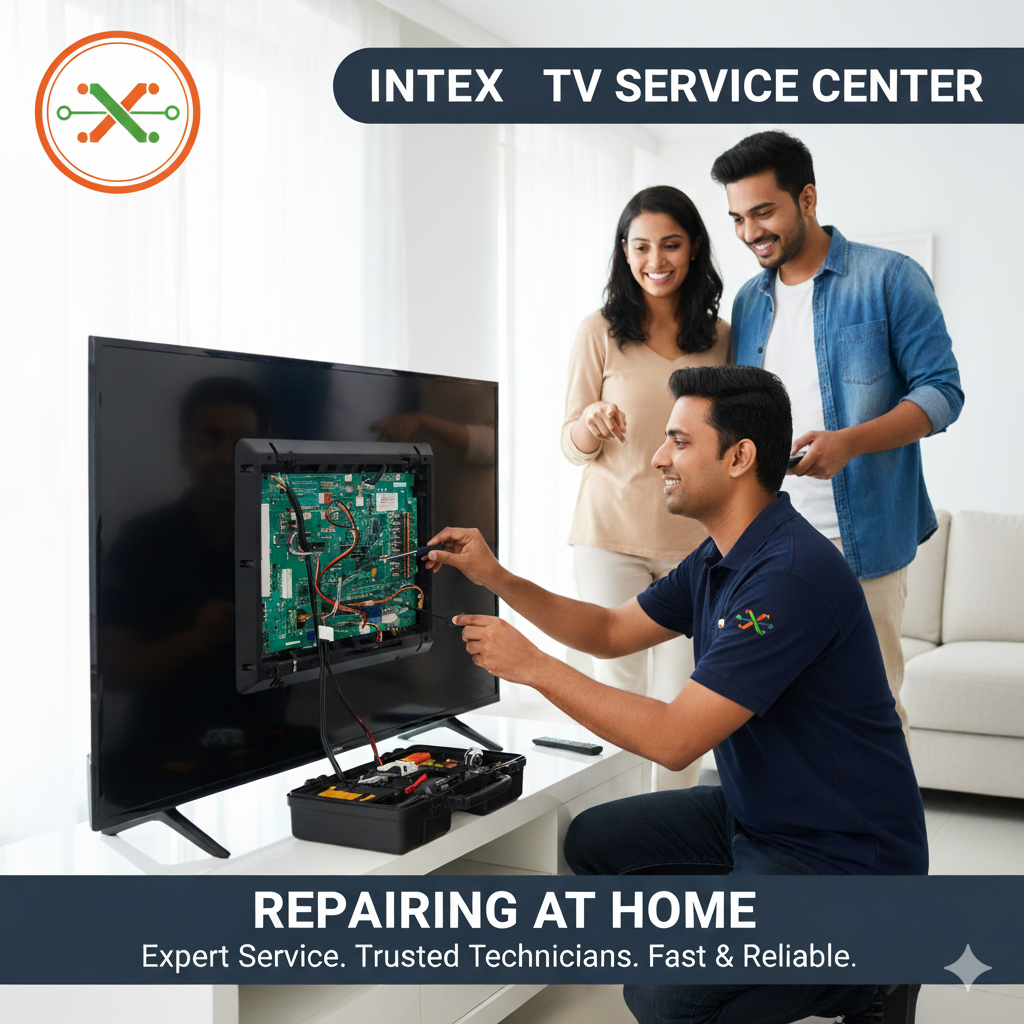
Can Intex TV Service Center fix screen flicker in low brightness?
INTRODUCTION
Screen flicker at low brightness is a common issue faced by many smart TV users today. When viewers lower brightness for night-time watching or energy saving, the screen may start flickering, pulsing, or showing uneven light. As a result, watching content becomes uncomfortable and tiring for the eyes. In such situations, the Intex TV Service Center provides reliable solutions by identifying the exact cause and restoring smooth display performance.
Importantly, low-brightness flickering does not always mean a damaged screen. In many cases, it occurs due to backlight control issues, firmware errors, or unstable power delivery. Therefore, professional inspection plays a key role in solving the problem safely and effectively.
What Does Screen Flicker at Low Brightness Mean?
Screen flicker at low brightness happens when a TV fails to maintain stable lighting while operating at reduced brightness levels. Instead of a steady picture, the screen may blink or fluctuate.
For example, users may notice:
- Flickering only when brightness is low
- Uneven light patches across the screen
- Eye strain during night viewing
- Flicker disappearing at higher brightness
- Sudden light fluctuations in dark scenes
Because these signs often appear gradually, users may ignore them at first. However, over time, the issue can worsen.
Common Causes of Low Brightness Flicker in Intex TVs
The Intex TV Service Center checks several technical factors during diagnosis.
Backlight Control Instability
Most modern TVs use pulse-width modulation to control brightness. At very low levels, unstable signals can cause visible flickering.
Power Supply Irregularities
Moreover, inconsistent voltage flow can affect backlight performance, especially during dim viewing modes.
Firmware or Software Issues
Sometimes, brightness algorithms do not function properly after updates. As a result, dimming becomes uneven.
Aging LED Backlights
Over time, LED components may struggle to maintain steady output at lower brightness.
Display Driver Problems
Additionally, driver components may fail to sync correctly, leading to screen instability.
Why You Should Not Ignore Screen Flickering
Although flicker may seem minor initially, ignoring it can cause long-term damage.
Specifically, it may lead to:
- Increased eye fatigue
- Permanent backlight damage
- Reduced screen lifespan
- Poor picture consistency
- Eventual display failure
Therefore, early servicing helps prevent serious display problems.
How the Intex TV Service Center Diagnoses the Issue
The Intex TV Service Center follows a structured inspection process to ensure accurate results.
Step-by-Step Brightness Testing
Technicians test the TV at multiple brightness levels to identify when flicker begins.
Backlight Signal Monitoring
Next, they examine PWM stability and backlight control behavior.
Firmware Evaluation
After that, they review the system software to detect brightness control errors.
Hardware Inspection
They also inspect panel drivers, connectors, and power components.
Stability Testing
Finally, the TV runs for extended periods to confirm consistent performance.
Software-Based Solutions for Low Brightness Flicker
In many cases, software adjustments resolve the issue completely.
Firmware Optimization
Technicians refine brightness algorithms to ensure smooth dimming.
Display Calibration
They recalibrate gamma and backlight settings for uniform lighting.
Cache and System Cleanup
Temporary files that interfere with brightness control are removed.
Picture Mode Adjustment
Furthermore, picture profiles are optimized for stable low-light viewing.
Hardware Repairs for Persistent Flicker Problems
When software fixes do not work, hardware servicing becomes necessary.
Backlight Circuit Stabilization
Faulty backlight drivers are corrected to restore smooth operation.
Power Regulation Correction
Voltage delivery components are tested and stabilized.
LED Performance Inspection
Technicians check LED strips for uneven or weak output.
Panel Connection Checks
Loose or worn connections are secured to prevent signal fluctuation.
Intex TV Service Center in Thane
The Intex TV Service Center in Thane offers expert support for brightness-related display issues.
Services Available
- Low brightness flicker diagnosis
- Backlight signal stabilization
- Firmware optimization
- Power module inspection
- Final picture quality testing
As a result, users experience smooth visuals even in dark environments.
Intex TV Service Center in Mumbai
The Intex TV Service Center in Mumbai focuses on smart TV display performance.
Services Available
- Advanced backlight diagnostics
- Panel driver testing
- Software and hardware synchronization
- Brightness consistency improvement
- Extended performance testing
Consequently, TVs deliver stable picture quality at all brightness levels.
Intex TV Service Center in Bengaluru
The Intex TV Service Center in Bengaluru handles complex flickering and power-related issues.
Services Available
- Detailed LED and panel evaluation
- Low brightness flicker correction
- Firmware conflict resolution
- Display uniformity calibration
- Quality assurance checks
Therefore, viewers enjoy comfortable and flicker-free watching.
Importance of Professional TV Servicing
Authorized service providers such as Dial Service Centre follow standardized repair methods to protect screen quality. Professional servicing ensures accurate diagnosis and long-lasting results without risking further damage.
Why DIY Fixes Usually Fail
Many users try adjusting brightness or resetting the TV. However, these steps rarely fix the root cause.
DIY fixes fail because:
- Settings cannot repair hardware instability
- Firmware issues remain unresolved
- Power fluctuations go unnoticed
- Incorrect adjustments worsen flicker
Thus, professional support becomes essential.
When Should You Contact the Intex TV Service Center?
You should request service if:
- Flickering appears only at low brightness
- The issue worsens gradually
- Eye strain increases during viewing
- Resetting the TV does not help
- Screen lighting looks uneven
Early action helps prevent panel damage.
Tips to Reduce Future Flicker Issues
To maintain display stability:
- Avoid extreme brightness settings
- Keep firmware updated correctly
- Use a stable power source
- Do not keep the TV on very low brightness for long hours
- Restart the TV occasionally
These steps support long-term display health.
Frequently Asked Questions (FAQs)
Q1. Can the Intex TV Service Center fix screen flicker in low brightness?
Yes, technicians resolve this issue through backlight calibration and firmware optimization.
Q2. Does low brightness flicker mean the screen is damaged?
No. In most cases, it relates to backlight control or power stability.
Q3. Can ignoring flicker damage the TV?
Yes, long-term flickering can reduce backlight and panel lifespan.
Q4. Can a software update cause this problem?
Yes, brightness control changes in firmware may trigger flickering.
Q5. Will the issue return after repair?
Proper servicing significantly reduces the chance of recurrence.
Conclusion
Low brightness screen flicker can disrupt viewing comfort and affect long-term TV performance. Fortunately, the Intex TV Service Center provides professional diagnosis, backlight stabilization, and firmware calibration to restore smooth visuals. With support from the Intex TV Service Center in Thane, Intex TV Service Center in Mumbai, and Intex TV Service Center in Bengaluru, users can enjoy stable picture quality and extended TV lifespan.
Read Our Previous Blog - - - - - →Does the Sansui TV Service Center handle TVs freezing after mute?